Updated September 23, 2026 · Written by Jeremy McKellar
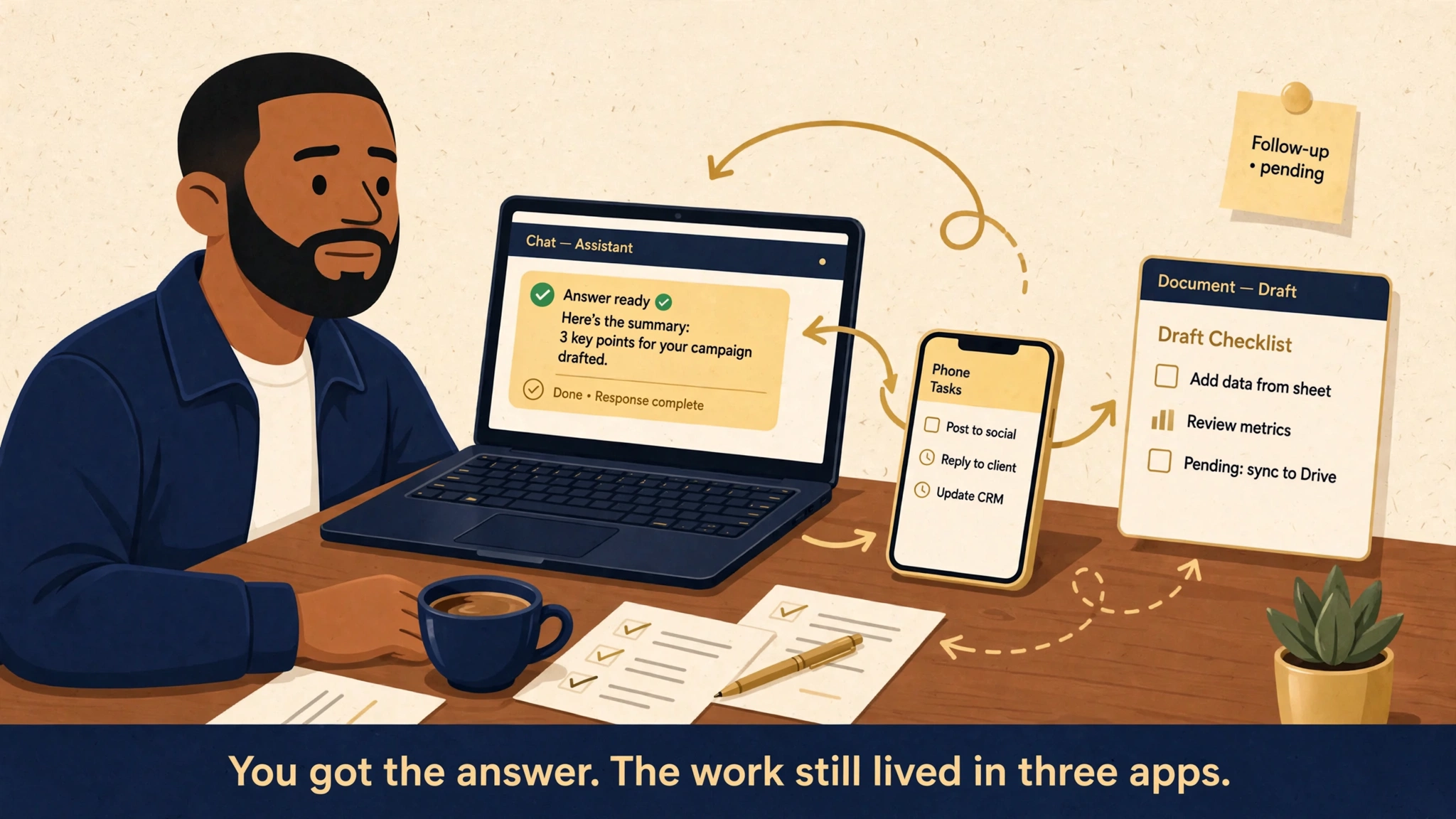
You got the answer. The work still lived in three apps.
You asked an AI for help. It gave you a good answer. Then you spent the next hour
finishing the work yourself, across three apps, copying the good parts over by hand.
That stuck moment is the whole story. The question is no longer whether AI can write
a good paragraph. It is what you can responsibly hand off, where that work runs, and
where a human still reviews.
Here's the short version: chatbots answer. Agents try to carry work forward. This is
an interactive field guide to the agents trying to do that carrying, and how I'm
making sense of them.
I'm not ranking these. I'm not declaring winners. I'm mapping the terrain so we can
each pick a sane starting point. That sets up the landscape: eight different starting
points for getting work done.
You got the answer. The work still lived in three apps.
THE DECISION LENS
Four questions before you hand anything off.
Before I trust any agent with a job, I ask four questions. They are the fastest way
to compare products that all claim to do it for you.
Question
Why it matters
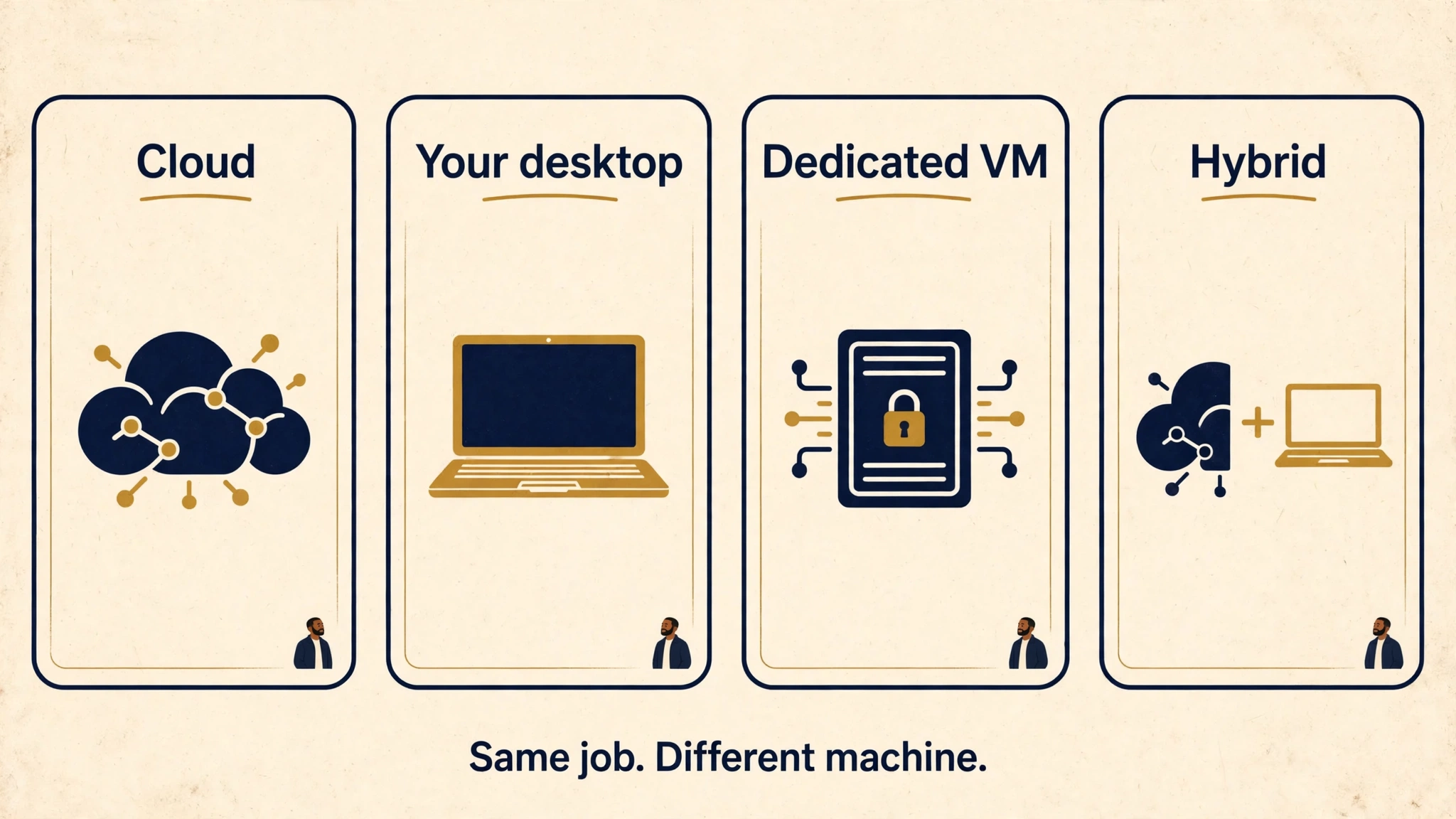
Where does the work run?
Cloud, your machine, a dedicated VM, or hybrid
What can it access?
Files, apps, browser, messaging, company systems
What can it do alone?
Draft only, or act: send, change, schedule
Where do you review?
Before consequential actions, or after the fact
What breaks if you ignore this?
Shared sessions, data leaving the machine, org policy
Keep these in your pocket. Every card below answers them in the same words, and the
chooser uses them too.
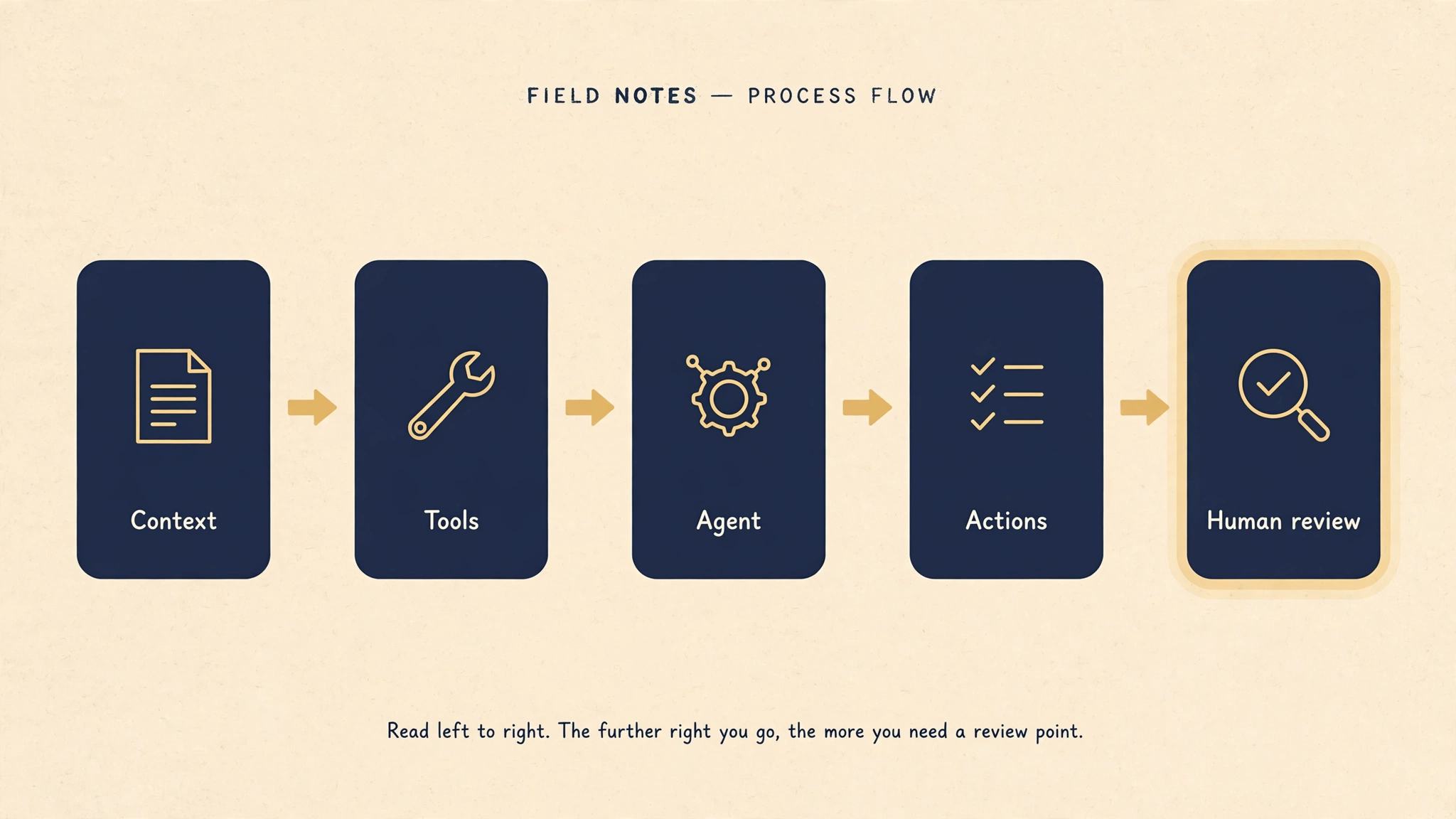
Read left to right. The further right you go, the more you need a review point.
With that scaffolding in place, here are the eight approaches.
01 / THE LANDSCAPE
Eight approaches to getting work done.
These are different starting points, not a ranked leaderboard. The fit depends on your task, your tools, and the access you are comfortable granting.
01
A team of persistent agents
Grok Bot
Grok Bot gives bots a persistent cloud computer, tools, and routines. Multiple bots
can work in parallel and hand work between themselves. That team setup helps when a
project splits into distinct jobs.
Where it runs: Shared cloud computer.
Best when… You want several agents splitting a project into parallel jobs.
What I would check
Bots belonging to one user share files, browser sessions, and logins. Separate bot
names do not create separate security boundaries.
OpenClaw is a self-hosted gateway connecting messaging channels to agents and tools.
You choose the machine or server and configure the model, integrations, and
workflows.
Where it runs: Your machine or server.
Best when… You want to configure every layer of your own agent system.
What I would check
You also own the upkeep. Self-hosting the gateway does not keep data local if your
chosen model or tool sends it to a cloud service.
Work brings apps, files, and tools into tasks that can produce documents,
spreadsheets, presentations, reports, and sites. It supports local and cloud work,
with recurring tasks also part of the experience.
Where it runs: Local or cloud.
Best when… The deliverable is a document, deck, or site and you want to start
from its finished shape.
What I would check
Choose the environment and connected apps deliberately. Review the finished artifact
and any consequential actions.
Google positions Spark as a persistent personal agent that can work in the
background even when your devices are off. The appeal is ongoing help with goals
rather than a fresh conversation for every step.
Where it runs: Cloud.
Best when… You want ongoing help with goals, not a fresh chat for every step.
What I would check
Check current access and supported connections. A product announcement is not a
promise that every integration is available to your account.
Meta's Muse pairs a personal agent with a dedicated secure virtual machine. You can
interact through the Muse app or WhatsApp, bringing longer-running tasks into a
familiar messaging flow.
Where it runs: Dedicated cloud virtual machine.
Best when… Messaging is where you already live and you want tasks to meet you
there.
What I would check
A familiar chat interface can still initiate real actions. Be clear about which
accounts and tasks you are handing over.
Claude's task experience has expanded beyond the original desktop-only Cowork setup.
Cloud tasks are in beta, and the shared experience brings chats, skills,
connectors, and task context together across devices.
Where it runs: Cloud tasks and desktop capabilities.
Best when… You want multi-step work where context carries across devices.
What I would check
Older comparisons can miss this change. Verify which cloud and local capabilities
are enabled for your account before designing a workflow around them.
Scout combines OpenClaw with Microsoft Work IQ and Microsoft 365 context. It is
designed for work spanning tools such as Teams, Outlook, OneDrive, and SharePoint,
with organizational controls.
Where it runs: Cloud, with desktop extensions.
Best when… Your work lives in Microsoft 365 and needs organizational controls
around it.
What I would check
Scout is an experimental Frontier offering. Treat access, approved resources,
identity, and organizational policy as part of the evaluation.
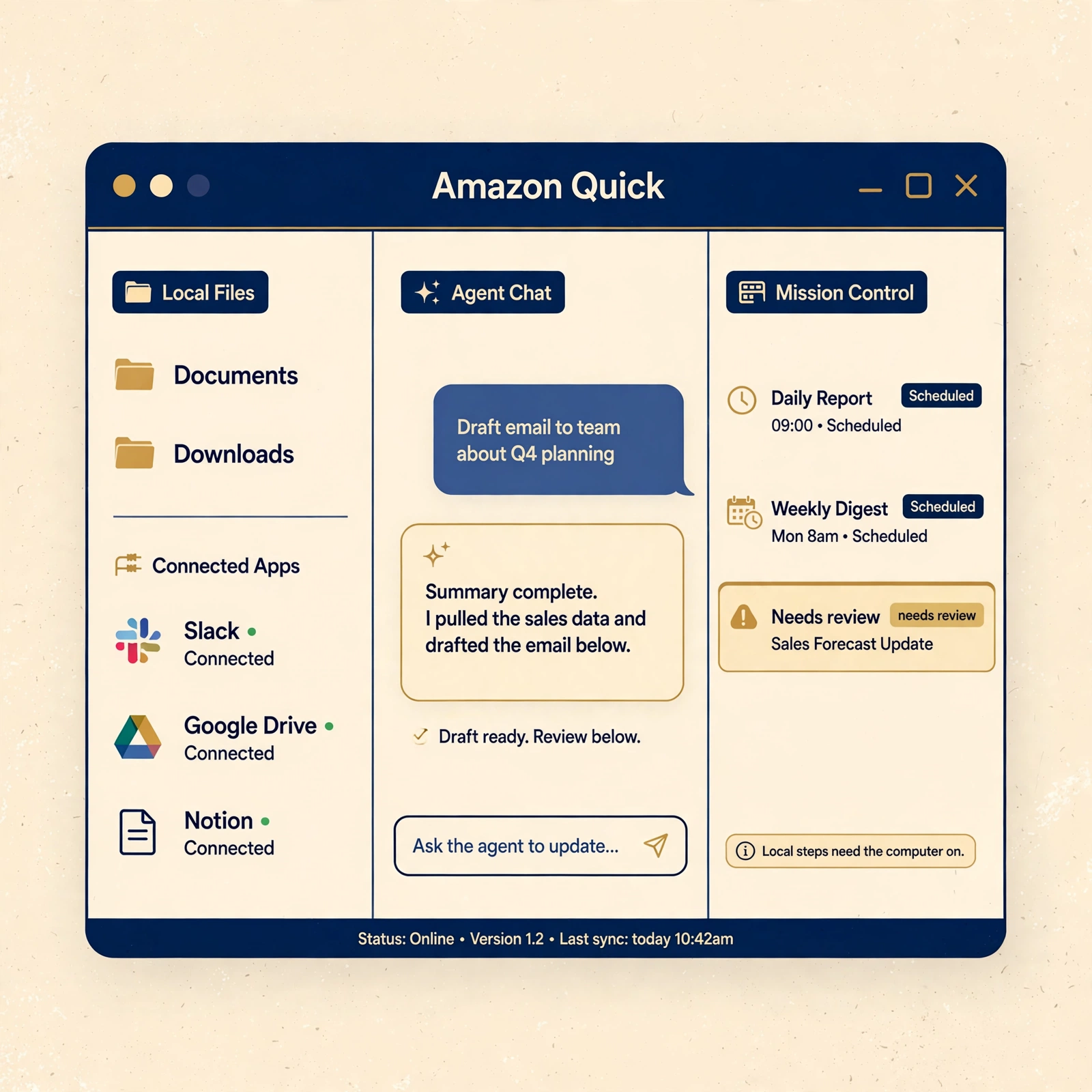
Amazon Quick on desktop is an agentic AI teammate that connects to your local files
and the tools you use every day. Agents take on work you delegate, follow through
independently, and bring you the results. Routines handle scheduled runs, and
Mission Control gives you one view over every agent.
Where it runs: Desktop app. macOS 13 or later on Apple Silicon only. Windows 10
(version 1903) or later. Internet required for AI inference and integrations.
Best when… You want scheduled routines like morning briefs or inbox triage plus
local file intelligence, inside one desktop app.
What I would check
Routines run in the cloud, so they fire even when the app is closed or the computer
is off. Steps that need local tools, like reading a local file or browser
automation, still need the computer on with the app connected.
macOS support is Apple Silicon only. Intel Macs are not supported.
You need an Amazon Quick account, and desktop is included only in some plans. Check
Amazon Quick pricing before you design a workflow around it.
That is the full set of starting points. Now the question the chooser answers: which one matches the job you have in mind?
02 / YOUR STARTING POINT
How to use this guide
Skim the approaches above, or jump in with the chooser below.
Read "What I would check" before you trust a fit.
Use the official links before you build a workflow around any of them.
What do you want help with?
Choose the closest fit. I'll point you toward a starting comparison. This is an editorial starting point, not a benchmark. It points you to a first comparison.
MY STARTING SUGGESTION
Explore Amazon Quick on desktop for this job.
Start here because it runs in a desktop app, can access local files and connected tools, and gives you a Mission Control view to review agent activity. Check which steps need your computer on and confirm plan access.
Start here because it runs locally or in the cloud, can access the apps and files you connect, and lets you review a finished artifact and consequential actions. If your deliverable is a recurring desktop brief or meeting prep, compare Amazon Quick on desktop too.
Start here because it runs in the cloud, can access supported connections, and keeps working toward a goal. Check what your account can actually access and where you review its actions before making it a routine.
Start here because it runs in a dedicated cloud virtual machine, can access the accounts you connect, and starts from a familiar messaging doorway. Review which real actions that chat can initiate.
Start here because it runs on your machine or server, can access the channels and tools you configure, and leaves setup and review points in your hands. Map the complete data route before connecting accounts.
Start here because it runs on a shared cloud computer, can access shared files and browser sessions, and supports handoffs between bots. Review permissions and outputs with shared logins in mind.
Start here because it runs in the cloud with desktop extensions, can touch Microsoft 365 context and approved resources, and fits organizational review and policy. It is experimental, so confirm access with your administrators.
Start here because routines run in the cloud while local steps use your connected desktop, agents can access your local files and tools, and Mission Control gives you a place to review activity. The computer can be off for cloud-only schedules; local steps need it on.
Local files plus scheduled desktop agents plus Mission Control
Local steps need the computer on and the app connected
The table compares the shape of the work. The next section is about what makes any of these shapes actually work: the connections.
03 / WHAT I'M WATCHING
The connections matter as much as the model.
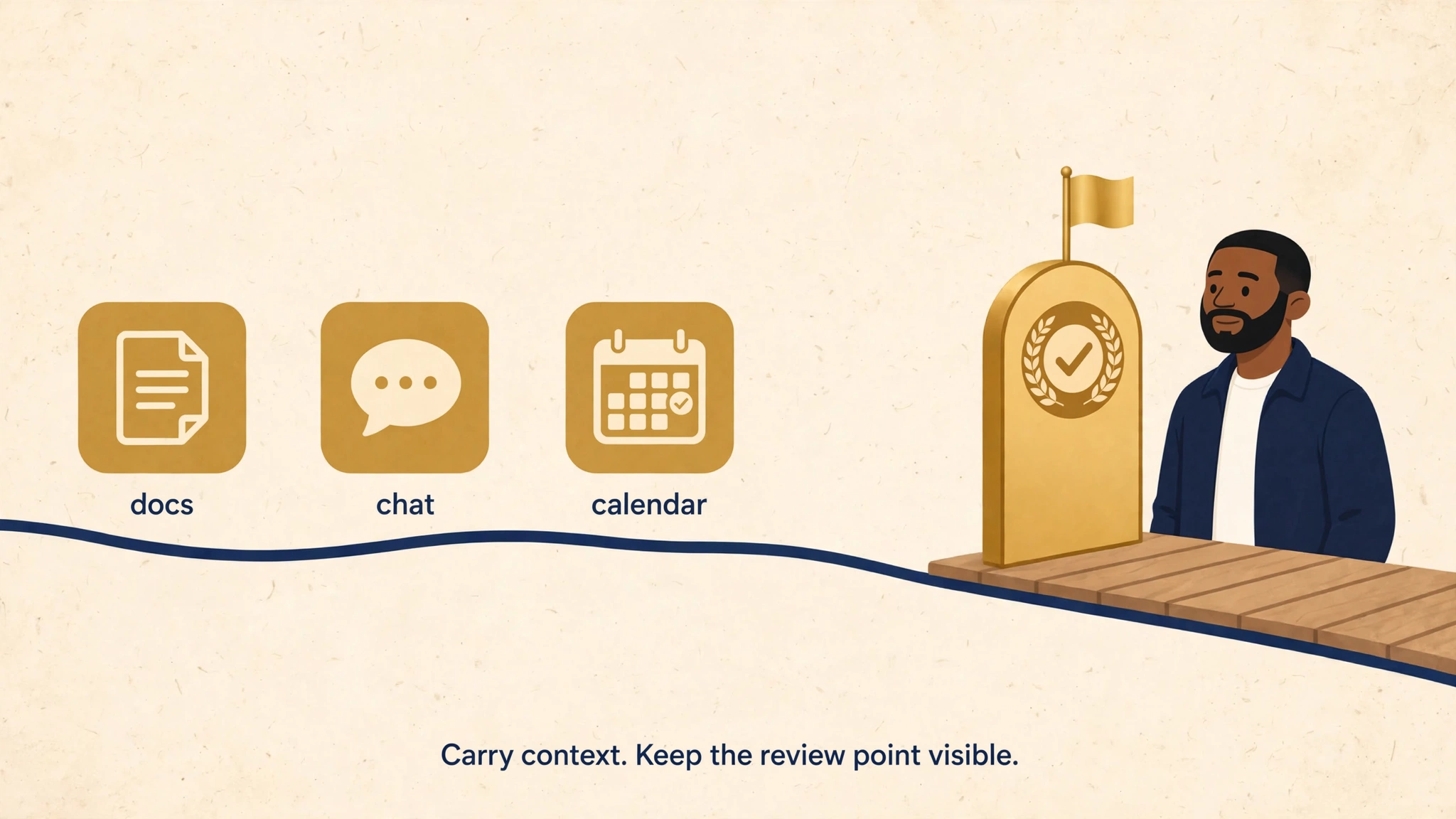
This is the same pattern as the decision taxonomy above: where it runs, what it can
touch, where you review. The next useful comparison will be less about who writes
the best paragraph and more about who can carry context through the tools we
actually use, with a review point we can still see. A strong model still needs the
right information, a workable handoff, and a clear stopping point.
Tools that can connect
MCP is a shared plug shape for AI: one standard
way for an AI app to connect to a tool or data source, instead of every product
inventing its own connector. I'm watching whether that makes useful workflows
easier to move and maintain.
Agents that can coordinate
A2A is a shared language for agents to talk to each
other. That is a different layer from connecting an agent to a tool. Neither
protocol guarantees that every product works with every other one.
Control that stays visible
I want to see what an agent accessed, what it changed, and where it needs me.
Messaging may make delegation easier, but the underlying permissions and review
points still matter.
Cloud, local, and hybrid setups each involve tradeoffs. Local execution can give
more control over a machine. Cloud execution can keep work running when that machine
is off. Either way, I look at the complete route the data takes, including model
providers and connected services. Knowing where the work runs and where you review
sets up the only playbook I trust: give one agent one useful job.
04 / MY PRACTICAL PLAYBOOK
Give one agent one useful job.
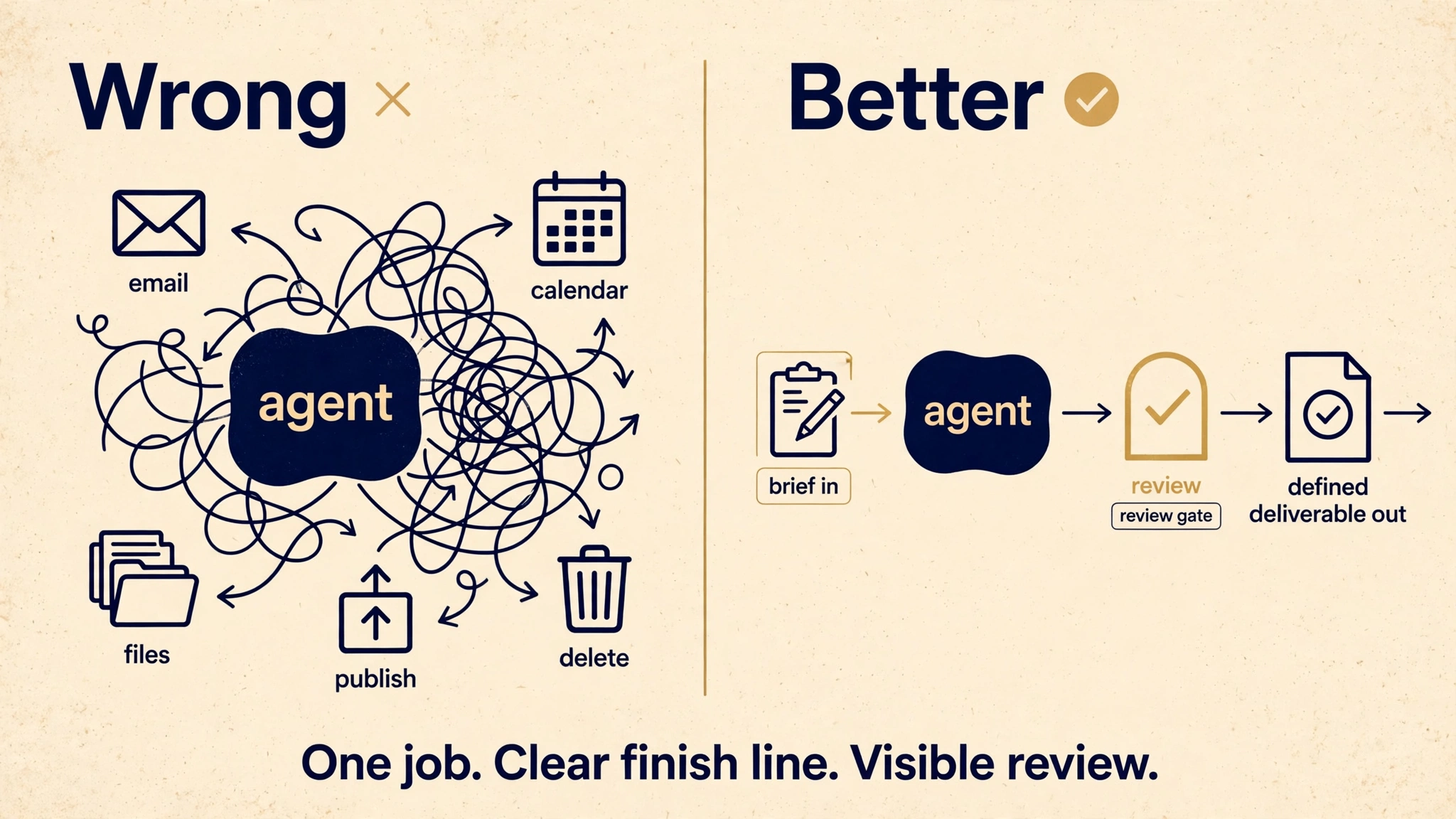
Wrong way: "Run my inbox, calendar, and files." Better way: "Draft my weekly team
update every Friday at 4pm from my calendar and notes. Wait for my approval before
sending anything." One job. Clear finish line. Visible review.
Wrong: run everything. Better: one job, clear finish line, visible review.
Pick a taskyou already understand. A weekly research brief or a draft report
is easier to evaluate than an open-ended instruction to "run everything."
Define the finish line. Format, sources, audience, and what a useful result
looks like.
Connect only what the task needs. Start with limited access and expand it for
a concrete reason.
Keep consequential actions reviewable. Be explicit about approval before
sending messages, spending money, publishing, or deleting information.
Measure the cleanup, too. Time saved counts only after accounting for
corrections, checking, and maintenance.
Keep what works. Adjust what doesn't. A small reliable routine beats a
collection of unfinished automations.
The shift I'm watching
The useful comparison is less "who writes the best paragraph" and more "who can
carry context through the tools we already use, with a review point I can still
see." I'll keep watching how these products develop, and where the promise turns
into something useful in everyday work.
Try this: pick one small recurring task with a clear finish line, like a Friday
summary of your week's calendar, and hand it to one agent. See what the review step
feels like before you hand off anything bigger.
Carry context through the tools you already use. Keep a review point you can still see.
Field notes
This guide started September 18, 2026 and was updated September 23, 2026 to add Amazon
Quick on desktop, making eight approaches. Product details were checked against
official documentation on September 23, 2026. This is a dated snapshot based on
published capabilities, not head-to-head testing of every platform.